


POSTAGE STAMPS AND INPUTS
Feb 9, 2023
1 min read
I had a Lead once that hated any scripts with postage stamps and hidden inputs. He kept joking about it every time he saw me using them, so I wrote a little code to allow him to deactivate all the postage stamps and show all the input connections. I ended up getting used to using it, so I kept it. I have it set with the hotkeys ctrl+alt+h (show/hide postage stamps), shift+h (show/hide inputs), and ctrl+shift+h (show/hide postage stamps and inputs).
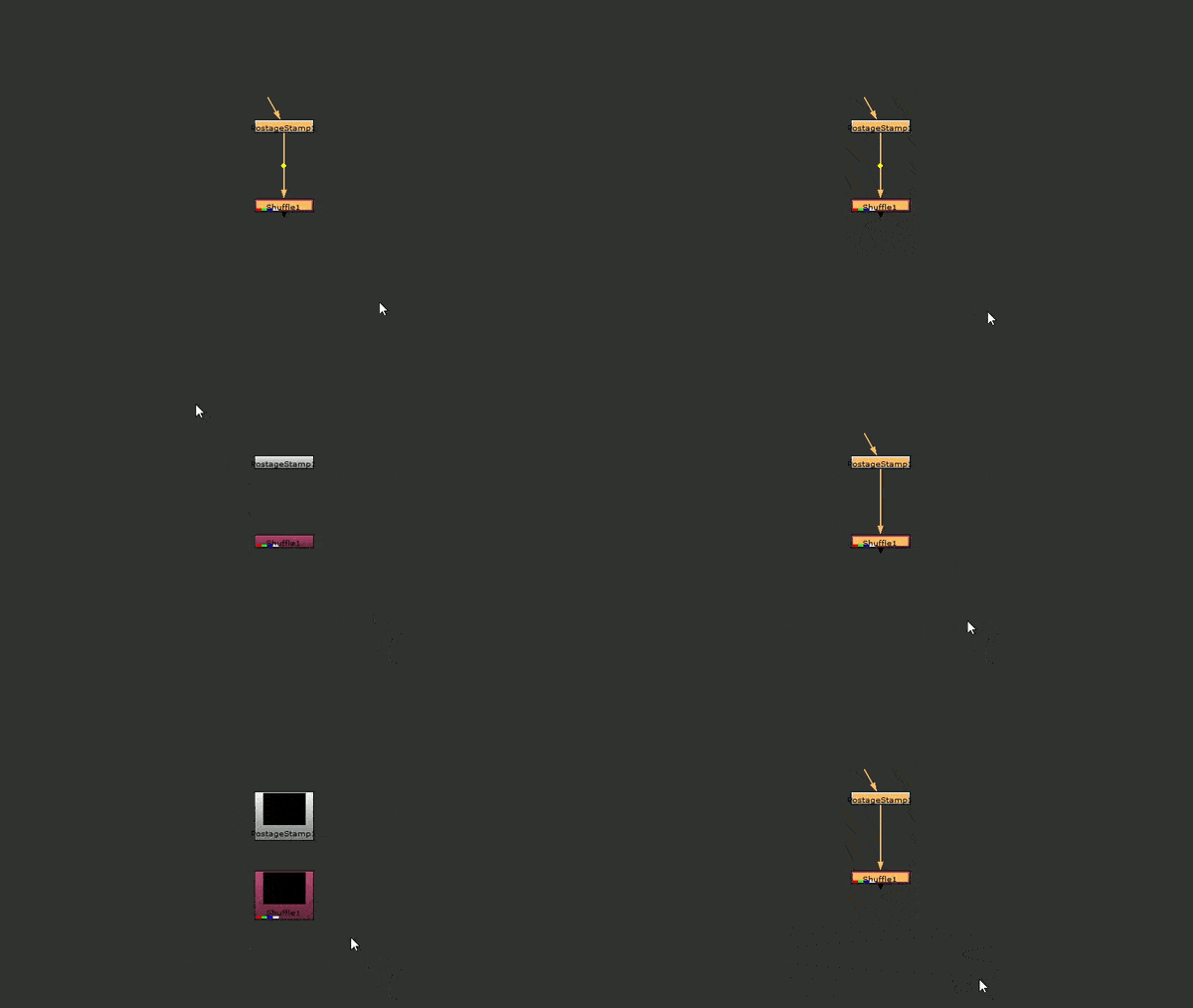
Expand Postage Stamps and Inputs
import nuke

def postage():
    for i in nuke.selectedNodes():
        if i['postage_stamp'].getValue() == False:
	    i['postage_stamp'].setValue(True)
        else:
	    i['postage_stamp'].setValue(False)

def postage_input():
    for i in nuke.selectedNodes():
        try:
	    if i['postage_stamp'].getValue() == True and i['hide_input'].getValue() == True:
	        i['postage_stamp'].setValue(False)
	        i['hide_input'].setValue(False)
	    elif i['postage_stamp'].getValue() == False or i['hide_input'].getValue() == False:
	        i['postage_stamp'].setValue(True)
	        i['hide_input'].setValue(True)
	except NameError:
	    if i['postage_stamp'].getValue() == True:
		i['postage_stamp'].setValue(False)
	    else:
		i['postage_stamp'].setValue(True)

def hideInput():
    for i in nuke.selectedNodes():
        if i['hide_input'].getValue() == False:
            i['hide_input'].setValue(True)
        else:
            i['hide_input'].setValue(False)